
Search Taylorsville Police Blotter
Taylorsville Police Blotter records are a useful starting point when you need a city report, want to know which office holds the file, or need to separate a Taylorsville police record from a Salt Lake County booking record. The city gives the public a direct records path, but it also keeps police and city records in different lanes. That means a report request can be simple if you know the right office and the right date. When the case moves on to the county jail or a court file, the city report is still the first clean lead.
Taylorsville Quick Facts
Taylorsville Police Blotter Basics
Taylorsville keeps police records through the Taylorsville City Police Department, and the city gives the public a dedicated records request page for TVPD. That is the best place to start when you need an incident report, want to know whether a report exists, or need to ask about the process before filing. The city says the TVPD page is for police records, while separate city records go through a different channel. That split matters because police blotter work usually begins at the police desk, not with the city recorder.
The official Taylorsville records page at Taylorsville records requests is the best route for police and city records questions. The page points users to a TVPD records request button, a pay-fee button, and a separate city records button for non-police material. It also lists City Recorder Jamie Brooks by name, which is useful when a question is about city records rather than police reports. The page tells you exactly where the request should go, and that saves time.
The county roster at Salt Lake County Jail Dockets and Rosters is the best follow-up when a Taylorsville stop turns into custody or booking.
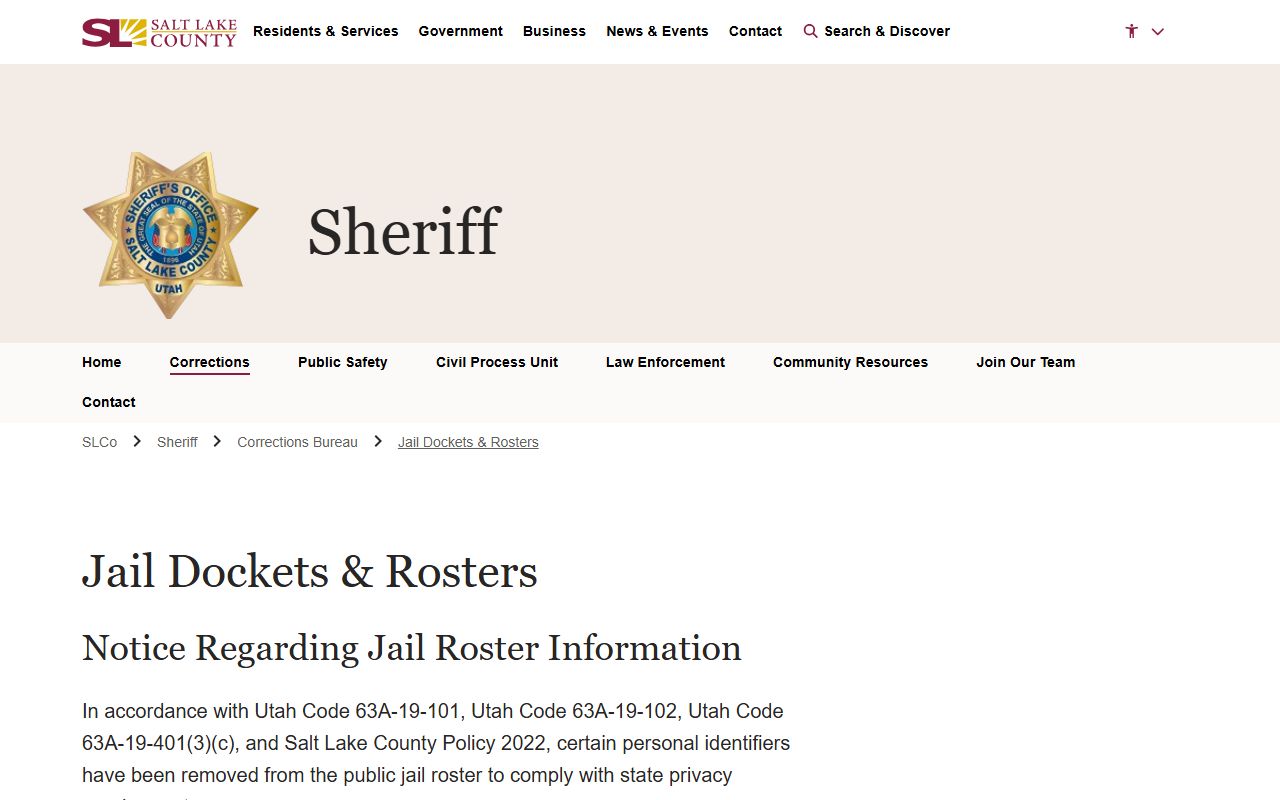
The county roster image is useful because a Taylorsville arrest can move from the city report to the Salt Lake County jail very quickly.
The city page also includes FAQs about what a public record is, what private or protected records are, who can file a GRAMA request, what police records may be available, and how long the response can take. That makes the page practical, not just informational. It tells the requester what the city considers a police record and where the city expects the request to land.
Taylorsville Police Blotter Requests
Taylorsville's police records process is built around GRAMA, but the city still keeps its police request path separate from its city records path. The TVPD page includes a button for police records requests and a fee payment button, which tells you there is a formal process behind the request. The city also gives a direct contact number and office hours. For someone trying to locate a Taylorsville Police Blotter record, that is the main point. Ask the police office about police material and the city recorder about city records.
Under Utah Code Title 63G Chapter 2, the city must sort records into public, private, protected, or controlled categories before release. That means a request can be valid even if the department releases only part of the file. In Taylorsville, that review is built into the request process. The city also notes common GRAMA questions on the records page, including what counts as a public record and who can initiate a request. Those are the right questions to answer before asking for the whole file.
For a Taylorsville request, keep the ask narrow and specific. Give the incident date, the name if you have it, and the report type if you know whether you need an incident report, an arrest record, or another police file. If the request is too broad, the city may take longer to sort it out. If the request is specific, the records desk can move faster and tell you whether the file is ready or still under review.
The city also says to contact City Recorder Jamie Brooks for city records questions that are not police related. That distinction helps because a Taylorsville Police Blotter search is not always about the same office that keeps building, meeting, or administrative records. In this city, police and city records are related but not interchangeable.
Salt Lake County Police Blotter Records
Once a Taylorsville arrest moves into custody, Salt Lake County becomes the next record source to check. The county sheriff's office offers a "Find a Prisoner" style roster that shows booking details, charges, bail, and housing status. That is useful because the city report tells you what happened and the county roster tells you whether the person is still in custody. A Taylorsville Police Blotter search often needs both pieces to make sense.
The county roster at Salt Lake County Jail Dockets and Rosters is the cleanest county follow-up for a Taylorsville booking. It gives the current jail side of the record and updates frequently. The official county and court sources also explain the difference between an arrest record and a conviction record, and they remind you that some records stay protected or private even when the arrest itself is public.
This image from Salt Lake County Jail Dockets and Rosters shows the county custody page that often follows a Taylorsville police record.
The county page is the right place to check when the person is no longer only a city report and has moved into a jail or custody record.
Salt Lake County also points the public back to city police departments when the arrest was handled locally. That means Taylorsville, Salt Lake County, and the Utah courts are all part of the same search path. The city is the first door. The county is the custody follow-up. The courts decide how the case ends.
Taylorsville Police Blotter and GRAMA
GRAMA is the rule that makes a Taylorsville police request work. The state law starts from a presumption of access, but it also lets the city withhold material that could harm an investigation, expose protected information, or reveal private details. That is why a Taylorsville Police Blotter request may come back with a partial release instead of a full file. It is still a response, and it still follows the law.
The city page says you can find answers to questions like what counts as a public record, what private or protected records are, and what kind of police records may be available. Those are the questions that control a request before the city ever starts copying pages. If the city needs more time, Utah GRAMA gives it a deadline for response, but it does not force the city to release the record before review is done. The records page is designed to make that process visible.
For a broader state backup, Utah BCI criminal records can help if the Taylorsville question becomes a statewide criminal history question. BCI is the place to use when you need your own Utah criminal history or when the city report is not enough to answer the question. If a request is denied, the Utah State Records Committee is the appeal path named in the state research.
This image from Utah GRAMA statutes shows the legal framework that governs Taylorsville records access.
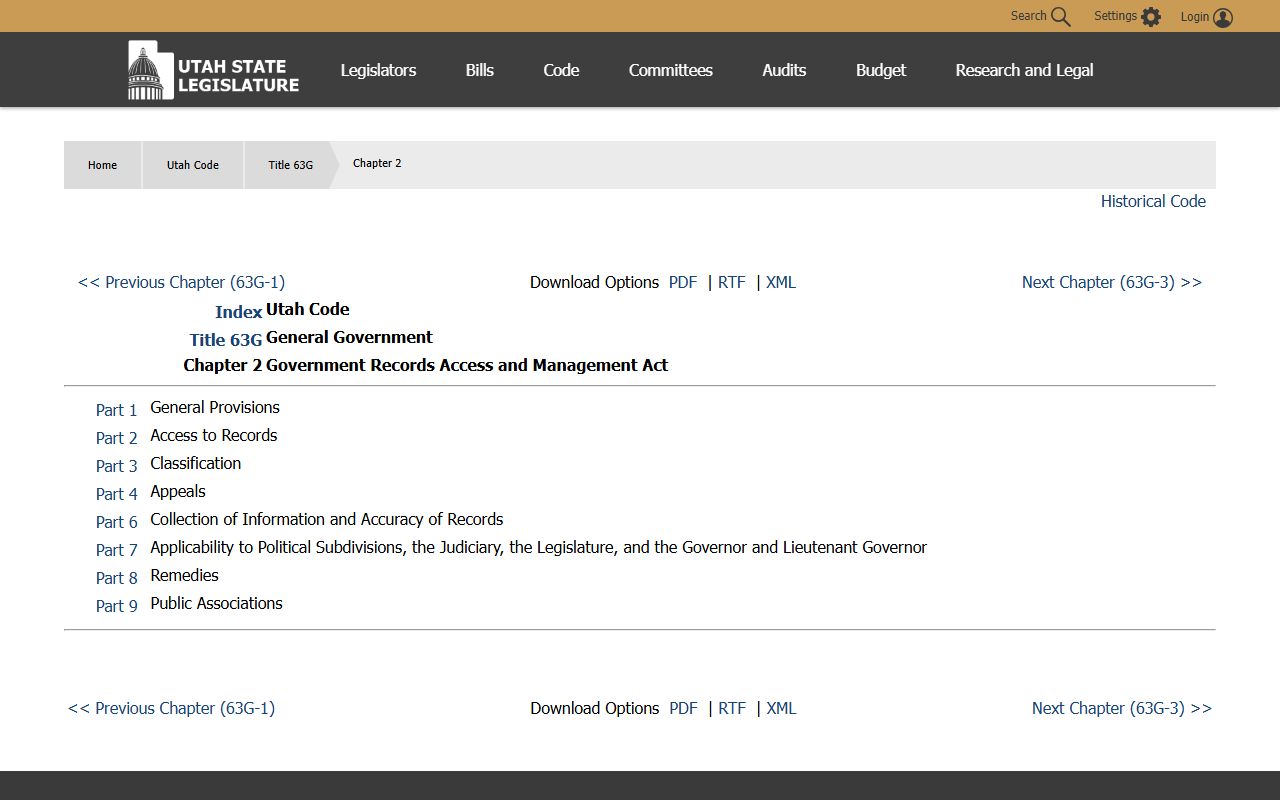
That statute image is useful because the city request page points straight back to GRAMA categories and response rules.
Note: A Taylorsville police blotter entry can be public while parts of the report stay redacted until the city finishes its review.
Taylorsville Court Records
Once a Taylorsville arrest becomes a filed case, the Utah courts record system becomes the next step. Court records show filing dates, hearings, dispositions, and later case activity that the city report and county roster do not carry. That is the part of the search that tells you what happened after the arrest. If you only have the name and the date, the courts can still help you line up the case once it moves past the booking stage.
The statewide court records page at Utah courts records is the best follow-up when the Taylorsville police file becomes a court matter. The state archives also hold historical court and police material, which matters if you are tracing an older incident or an old public record that no longer sits in a live city portal. That is a different kind of search, but it belongs on the same page because many police blotter questions end there.
For Taylorsville, the city, county, and court sources should be used in that order. The city report starts the story, the county roster shows custody, and the court file finishes the record trail. If a person moved out of county jail or the case was filed elsewhere, the state systems can still give you the next clue.
Request Details
A Taylorsville request works best when it is precise. The city asks for enough detail to identify the record, and that usually means the date, the person, and the record type. If you know the report number, add it. If you know the approximate time or location, that helps too. The more exact the request, the less chance the city will bounce it back for clarification.
- Full name of the person involved
- Date or approximate date of the incident
- Report number if you have it
- Contact details for the response
The Taylorsville records page also separates police requests from general city records. That is a useful distinction because it keeps the request from going to the wrong desk. If you need city records that are not police related, the recorder handles those. If you need a police blotter record, the TVPD request path is the right one.
Salt Lake County Police Blotter Link
Taylorsville sits in Salt Lake County, so a city report can quickly connect to a county booking or jail record. Use the county page when you need the custody side of the search.
Nearby Cities
Taylorsville searches often overlap with nearby city jurisdictions, especially when a call happened near a boundary or the person was booked elsewhere in the valley.